Best AI Tools for Everyday Productivity in 2026: Which One Should You Actually Use?
The best AI tools for everyday productivity can make writing, research, planning, and daily work much easier. But with more AI tools than ever, most people don’t need ten different subscriptions—they need one or two tools that actually fit the way they work.
In this guide, we narrow down the most useful AI tools for everyday productivity in 2026 and explain which one makes the most sense for different types of users.
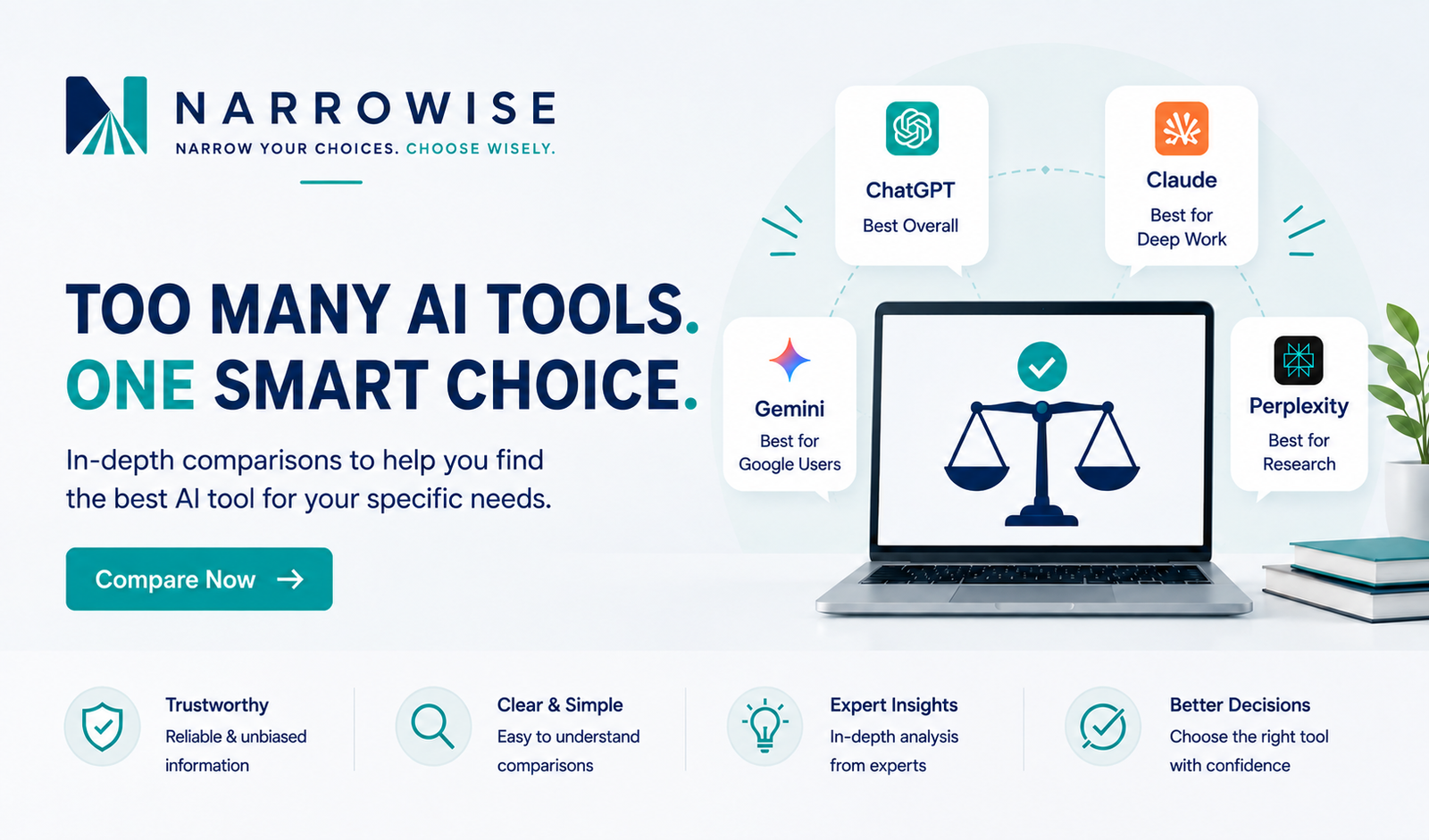
Short answer: ChatGPT is the best all-around choice for most people, Claude stands out for deep work and long documents, Gemini makes the most sense for people invested in Google’s ecosystem, and Perplexity is a strong choice when research and web search are the priority.
Best AI Tools for Everyday Productivity at a Glance
| Tool | Best For | Key Strength | Free Plan | Our Take |
| ChatGPT | Most people | Versatile all-around assistant | Yes | Best overall |
| Claude | Deep work & long documents | Reasoning & complex work | Yes | Best for deep work |
| Gemini | Google users | Google ecosystem integration | Yes | Best for Google users |
| Perplexity | Research & web search | Live web research with sources | Yes | Best for research |
How We Chose These AI Tools
We focused on AI tools that are useful for everyday tasks such as writing, research, brainstorming, planning, and working with information. We also considered ease of use, versatility, free access, and how well each tool fits different types of users.
1. ChatGPT — Best Overall
ChatGPT is our top overall pick because it handles the widest range of everyday tasks well. It can help with writing, brainstorming, research, planning, file analysis, data analysis, coding, and more, making it a strong choice for people who want one AI assistant that can do a little bit of everything.
Best for: Most people who want a versatile, all-purpose AI assistant.
Why we like it: ChatGPT combines a broad set of capabilities in one place and is easy to use for both quick everyday questions and more complex tasks.
Free plan: Yes. The free version is capable enough for many everyday tasks, although paid plans provide higher limits and access to additional features and capabilities.
Bottom line: If you only want to choose one AI tool and aren’t sure where to start, ChatGPT is the safest all-around choice.
2. Claude — Best for Deep Work & Long Documents
Claude is particularly well suited to focused work involving reasoning, long documents, research, writing, coding, and multi-step tasks. At the time of writing, Claude Sonnet 5 is available on both Free and Pro plans, with tighter usage limits on the Free tier.
Best for: Writers, researchers, professionals, and anyone who regularly works with long or complex documents.
Why we like it: Claude is especially useful when you want to work through large amounts of information, refine detailed writing, analyze documents, or stay focused on a complex task over a longer conversation.
Free plan: Yes. Paid plans offer higher usage limits and additional capabilities.
Bottom line: Choose Claude if your work involves a lot of reading, writing, analysis, or deep thinking rather than just quick everyday questions.
3. Gemini — Best for Google Users
Gemini is an especially attractive choice for people who already spend much of their day using Google products. Its connection with Google’s ecosystem can make it a convenient AI assistant for productivity, research, writing, and working across Google services.
Best for: People who regularly use Google services and want AI to fit naturally into that workflow.
Why we like it: Gemini’s biggest advantage is not simply its AI capabilities—it is how naturally it fits into Google’s broader ecosystem.
Free plan: Yes. Google offers free access to Gemini, while paid plans provide higher limits and access to additional capabilities.
Bottom line: If Google is already at the center of your digital life, Gemini may be the most natural AI assistant to add to your workflow.
4. Perplexity — Best for Research & Web Search
Perplexity is a search-first AI assistant that combines conversational answers with real-time web search and citations linking to original sources.
Best for: Research, fact-finding, comparing information, and users who want to see where an AI’s answers come from.
Why we like it: Perplexity makes it easy to move from an AI-generated answer to the original sources, which is particularly useful when researching topics where accuracy and verification matter.
Free plan: Yes. The Free plan includes practically unlimited basic searches and limited access to Pro Search. Paid plans provide higher usage limits, additional advanced features, and manual model-selection options.
Bottom line: If research and web search are your main reasons for using AI, Perplexity is the strongest choice of these four.
Which AI Tool Should You Choose?
The best AI tool depends less on which platform has the longest list of features and more on what you actually want to accomplish.
Choose ChatGPT if you want one versatile AI assistant that can handle a wide variety of everyday tasks.
Choose Claude if deep work, long documents, writing, reasoning, and complex multi-step tasks are your main priorities.
Choose Gemini if you already use Google products extensively and want AI that fits naturally into that ecosystem.
Choose Perplexity if research, web search, and easily checking original sources are your primary needs.
For most people who are trying AI for the first time or simply want one tool that can do a little bit of everything, ChatGPT is our overall recommendation.
Final Thoughts
Choosing the best AI tools for everyday productivity doesn’t mean subscribing to every major AI platform. Start with the tool that best matches the tasks you perform most often, use its free version if available, and only consider paying when you understand which features are genuinely useful to you.
As AI tools continue to evolve, we’ll update this guide to reflect meaningful changes in features, pricing, and capabilities.
Want to learn more about how we evaluate tools and services? Read more about our approach on the About Narrowise page.